QR code ordering lets customers scan a code, view a digital menu, place an order, and often pay from their phone. For food venues, it can make ordering faster, reduce queue pressure, and help staff manage busy periods without adding more hardware to the counter.
It is now used by cafes, takeaway restaurants, food trucks, coffee carts, market vendors, event vendors, and venues in busy office or campus areas. The goal is simple: make it easier for customers to order, and easier for venues to manage those orders.
What Is QR Code Ordering?
QR code ordering is a digital ordering process that starts when a customer scans a QR code with their phone. The code opens a menu or ordering page where the customer can choose items, customise their order, and submit it directly to the venue.
Depending on the QR code ordering system, the customer may also pay online before the order is prepared. This means the venue receives a paid order instead of relying on a customer to wait in line, call ahead, or order at the counter.
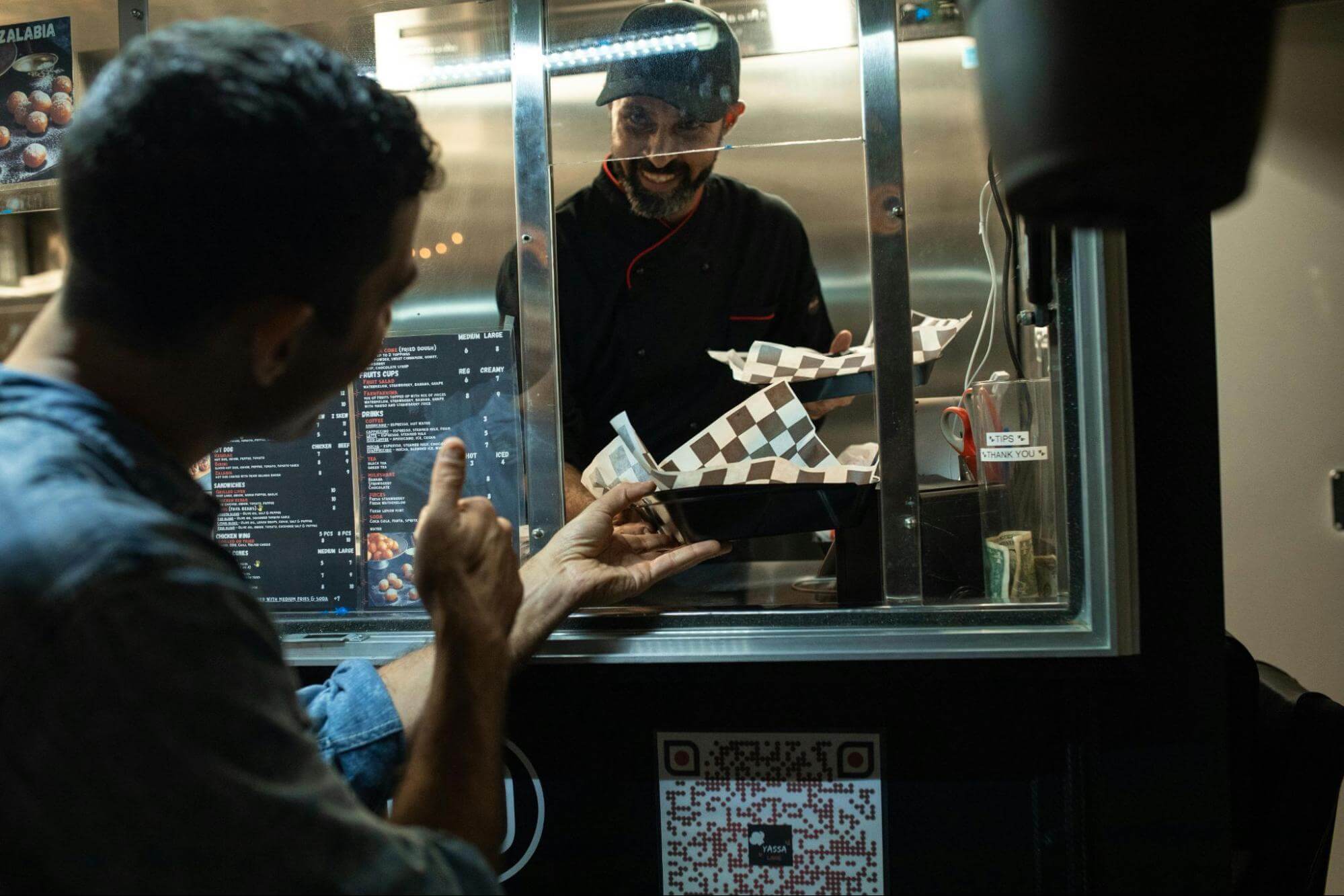
For food venues, QR code ordering can be used in many ways. A cafe might place a QR code near the counter so customers can order while waiting. A food truck might add QR codes to signage so customers can order from nearby. A market vendor might use QR ordering to process more orders during a short event window.
QR Code Menu vs QR Code Ordering: What’s the Difference?
A QR code menu and QR code ordering system are not always the same thing.
A QR code menu lets customers scan a code and view a digital menu. This can replace printed menus or make it easier to update prices, items, and specials. The customer may still need to order with staff or at the counter.
QR code menu ordering takes this further. Customers can view the menu, select items, add notes or options, and place the order from their phone.
A QR code ordering system usually manages the full ordering flow. This can include digital menus, item availability, online payments, order notifications, customer updates, and real-time order management for the venue.
This difference matters. A digital menu can improve convenience, but a full ordering system can help reduce manual order taking and bring paid orders into the venue’s workflow faster.
How Does QR Code Ordering Work?
For customers, QR code ordering is usually simple.
They scan the QR code using their phone camera, open the menu, choose their food or drinks, add any options or notes, and place the order. If online payment is available, they can pay before the order is made. They may then receive an order confirmation or update when the order is ready.
For venues, the setup depends on the platform being used. In most cases, the venue creates a digital menu, sets item prices and options, generates QR codes, and places those codes where customers can easily scan them.
QR codes can be placed on:
- Counter signs
- Tables
- Windows
- Food truck signs
- Market stall displays
- Flyers
- A-frames
- Pickup areas
Once the customer places an order, the venue receives it through an app, dashboard, or order management screen. Staff can then prepare the order and update the customer if the system supports notifications.
Why Food Venues Use QR Code Ordering
The biggest benefit of QR code ordering is not the QR code itself. It is the way it changes the order flow.
Instead of every customer needing to speak to staff before an order is placed, customers can enter their own order details. This can reduce pressure at the counter and help staff focus on making food, preparing drinks, packing orders, and serving customers who need extra help.
For a cafe, this can make a busy morning rush easier to manage. For a takeaway restaurant, it can reduce phone orders and counter congestion during lunch or dinner. For a food truck, it can help customers order without standing in a long line. For a market vendor, it can help capture orders quickly when foot traffic is high.
Key benefits include:
- Shorter queues: Customers can order without waiting for a staff member to take their order.
- Faster service: Orders can enter the workflow sooner, especially during peak periods.
- Fewer order errors: Customers choose their own items, options, and notes.
- Easier menu updates: Venues can update pricing, specials, and sold-out items without reprinting menus.
- Less staff pressure: Staff spend less time repeating order details and more time preparing orders.
- More paid orders: When payment is included, venues can capture the sale before the customer changes their mind or walks away.
QR code ordering does not have to replace personal service. For many venues, it works best as an extra ordering option. Customers who want speed can order digitally. Customers who need help can still speak with staff.
What Should You Look for in a QR Code Ordering System?
Not every QR code ordering system works the same way. Some only show a menu. Others manage the full ordering and payment process.
For a food venue, a good system should make ordering easier for both the customer and the team behind the counter.
Look for features such as:
- Easy digital menu control
- Online payments
- Real-time order management
- Customer order updates
- Stock and item availability controls
- Flexible QR code placement
- Support for pickup, takeaway, table ordering, markets, and events
- The ability to work on existing devices
- No lock-in contracts
It is also worth thinking about your service flow. Where will customers scan the QR code? Who will monitor incoming orders? How will customers know when their order is ready? What happens when an item sells out?
The best system is not just the one with the most features. It is the one that fits how your venue already works and helps you serve more customers with less friction.
QR Code Ordering and Order-Ahead Ordering
QR code ordering usually starts when a customer sees and scans a code. This works well when the customer is already nearby, sitting at a table, walking past a counter, or standing near a food truck.
Order-ahead ordering captures customers earlier. A customer can place an order through a website, Google listing, social media link, venue page, or direct ordering link before they arrive.
For many venues, both options work together.
QR code ordering helps customers who are already on-site. Order-ahead ordering helps customers who know what they want before they get there. Together, they can help reduce queues, bring in more paid orders, and make peak service periods more predictable.
How Y wait Supports QR Code Ordering for Food Venues
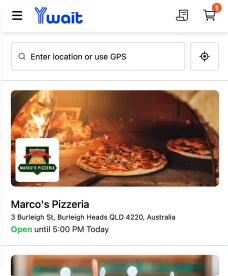
Y wait helps food venues accept QR code orders, order-ahead orders, and online payments through a simple ordering platform built for busy service environments.
Venues can create digital menus, manage stock and item availability, receive real-time orders, send customer updates, and take payments through Stripe. Y wait works without required hardware, so cafes, takeaway restaurants, food trucks, coffee carts, market vendors, event vendors, campus venues, and multi-location operators can start taking orders without a complicated setup.
For venues that want to reduce queues and capture more paid orders before customers arrive, Y wait gives them a practical way to turn QR codes, online links, signage, websites, and social traffic into real orders. Get in touch and find out if Y Wait is right for your business.
FAQs About QR Code Ordering
What is QR code ordering?
QR code ordering lets customers scan a QR code with their phone, view a digital menu, place an order, and often pay online. The venue then receives the order through a digital ordering system.
Is QR code ordering the same as a QR code menu?
No. A QR code menu only lets customers view the menu. QR code ordering lets customers choose items and place an order. A full QR code ordering system may also include payments, order updates, and real-time order management.
Can QR code ordering help reduce queues?
Yes. QR code ordering can help reduce queues by letting customers place their order without waiting for staff to take it manually. This gives staff more time to prepare food, make drinks, pack orders, and support customers who need help.