How an order works.
It’s easy from start to finish.
Step 1: Customers scan your QR Code or click your link.
From Google, your socials or a QR code at your counter, customers go straight to your menu.
Where can I share my link and QR code?
Add your ordering link to your Google Business Profile, your website and your Instagram, Facebook or TikTok profile.
Put your QR code on your counter, tables, flyers or posters. Customers scan it with their phone to open your menu.
Step 2: They browse your menu and choose what to order.
Customers choose what they’d like from your storefront on Ywait, your own ordering website or your branded app.
What are my storefront options?
On Ywait
Your business has its own branded storefront on the Ywait site and app.
Your own site
A custom site puts ordering on your own domain.
Your own app
The Custom Site & App Bundle includes your own branded app on the App Store and Google Play, alongside your ordering website.
Compare the optionsStep 3: Customers order and pay online.


How do payments work?
Customers can pay with a card, Apple Pay or Google Pay. Payments are processed through Stripe or your connected Square account.
Payment is processed at checkout, so you don’t need to take a payment at the counter.
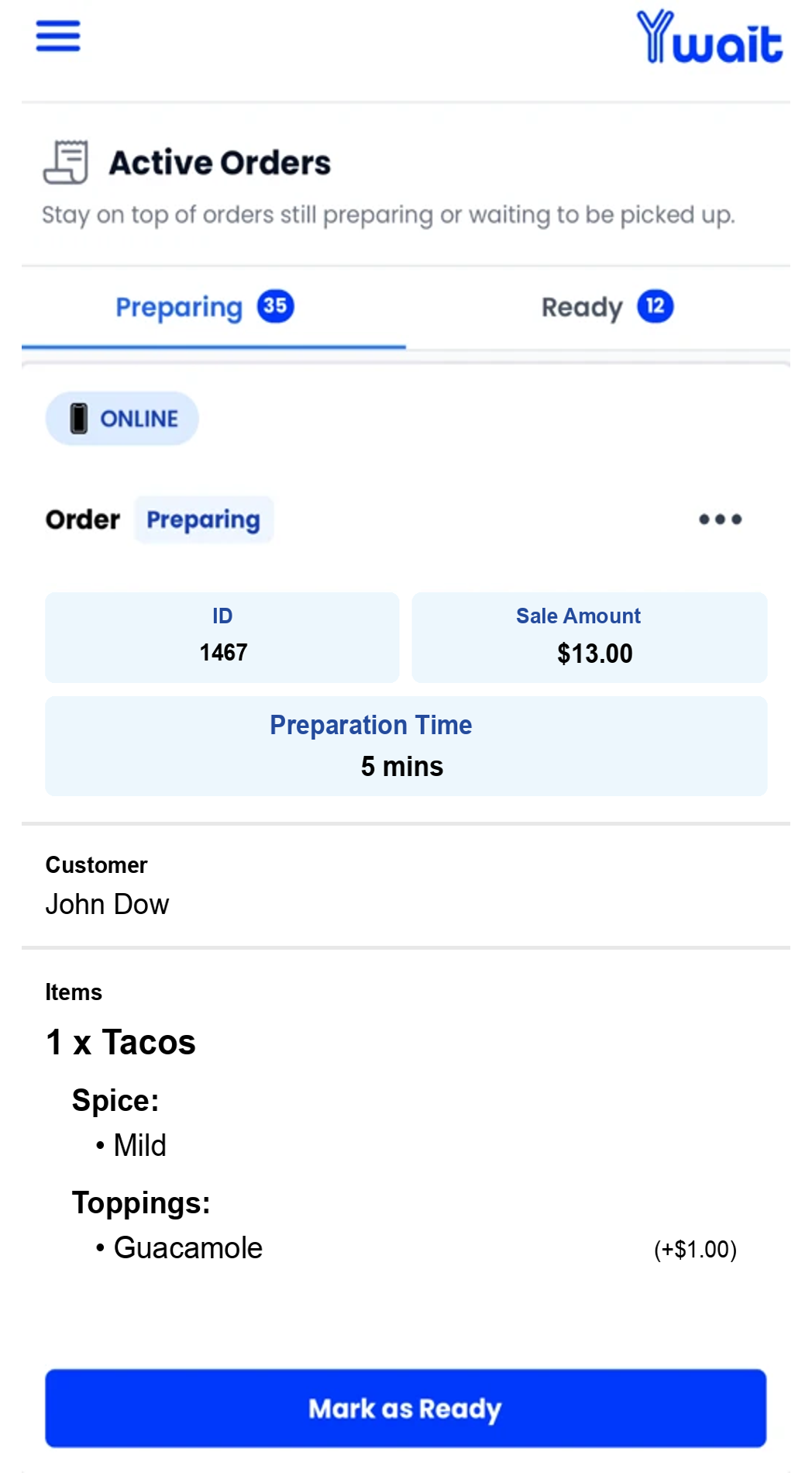
View pricing and feesStep 4: You receive the order in the Ywait Admin app.
Your team receives the order on a phone or tablet. Add a printer, connect Square, or use the Ywait Admin app on its own.
How do the app, printer and Square fit together?
Start with the Ywait Admin app
Manage your menu and orders on an iPhone, iPad or Android device you already own. You don’t need a new POS.
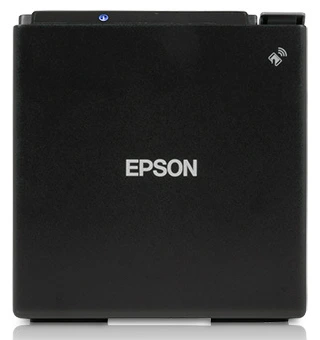
Want printed dockets?
Connect a compatible printer to the Ywait Admin app via USB, Bluetooth or Wi-Fi to automatically print dockets.
Already using Square?
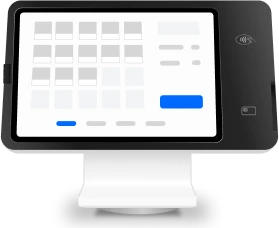
Connect Square to sync your menu in one click and manage Ywait orders on your Square POS and printer.
Step 5: You prepare the order and let them know it’s ready.
Mark the order as ready in the Ywait Admin app. Your customer gets a text and collects their order, already paid for.
Is this for pickup or delivery?
Ywait supports order-ahead pickup. If you have your own delivery drivers, get in touch and we can help you take orders for delivery.









Getting started is just as easy.
Now you know how an order works, see how to get your business set up on Ywait.