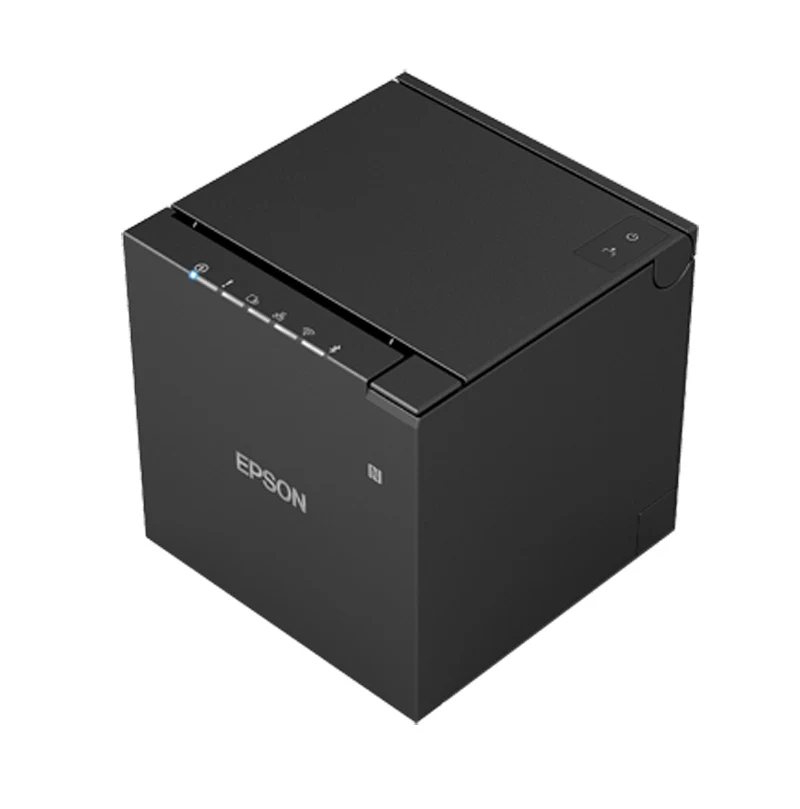
Epson TM-m30III
Android · USB
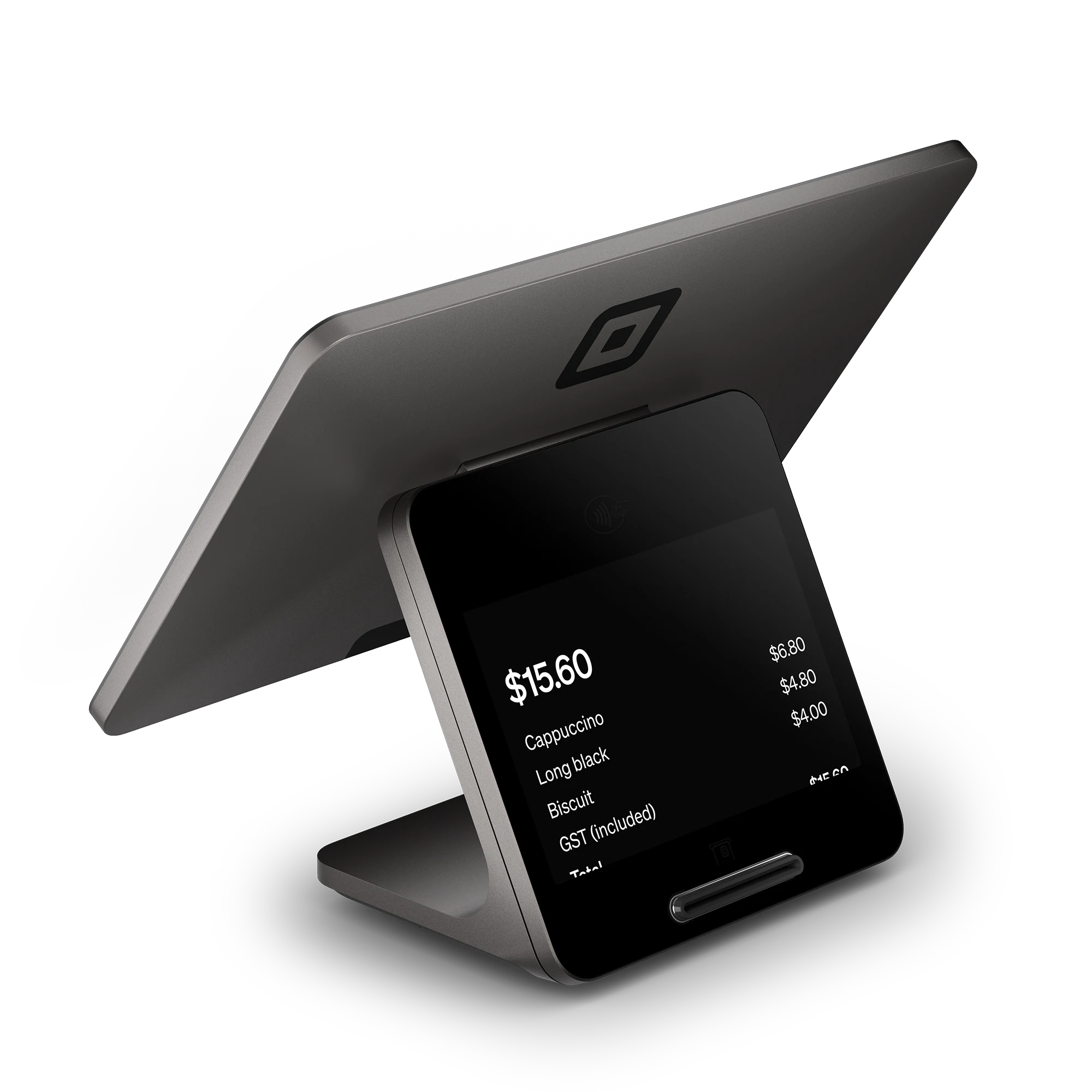
Receive and manage orders in the Ywait Admin app on an iPhone, iPad or Android phone or tablet you already own. You don’t need a POS integration or printer. You can connect Square to sync your menu and receive orders on your POS, or connect a supported printer to print dockets automatically.
Print orders automatically from the Ywait Admin app.
Android · USB
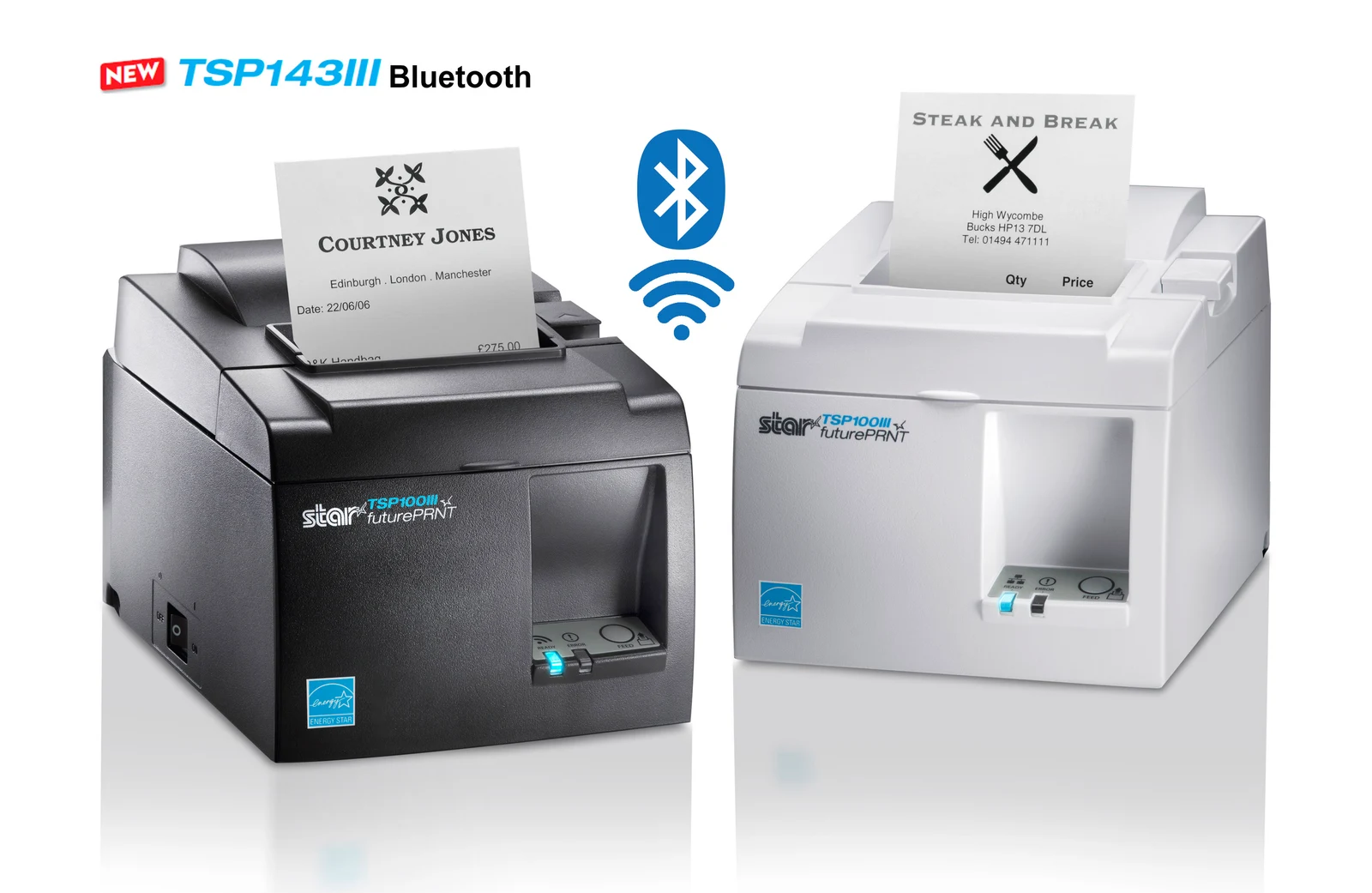
iPhone or iPad · Bluetooth
Tell us which printer you’d like to use.
Tell us what printer and POS you have, and we’ll tell you the easiest way to get started.
Get started