Your Storefront on Ywait
$15/month
- Online & QR Ordering
- Loyalty Rewards
- Branded Ordering on Ywait Site
- Branded Ordering on Ywait App
- First month free
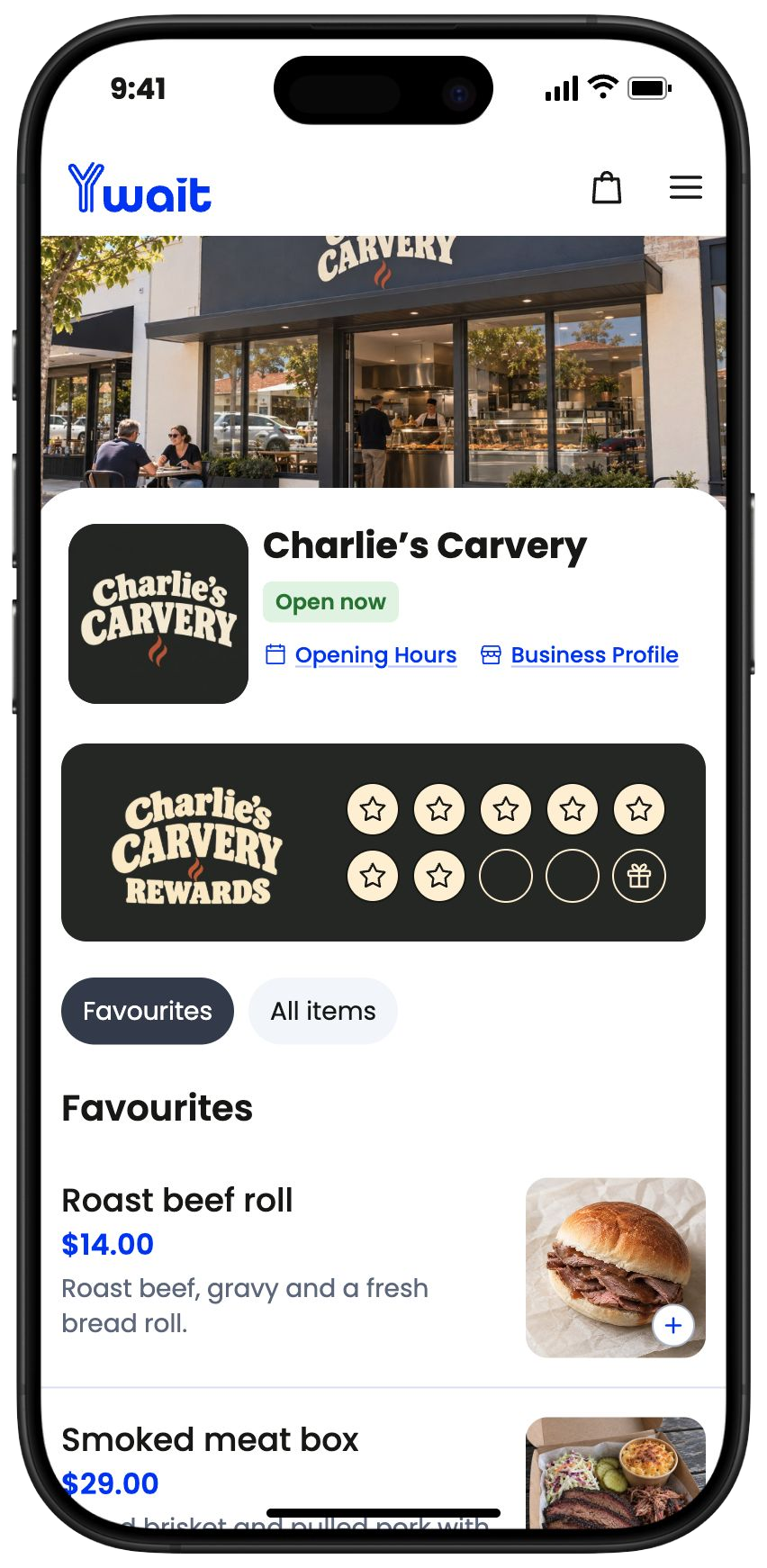
Take paid preorders days ahead for your next BBQ drop, or same-day takeaway orders before customers arrive. Plan stock and cooking around advance orders, and prepare today’s orders for collection.

Open preorders for a weekly drop or another collection day, so you know what’s ordered before you cook. For everyday takeaway, customers can order for ASAP or a later pickup.

Customers choose their food and collection time, then pay online. They can order for today or days ahead for your next drop.

Use advance orders to plan stock, portions and cooking. For same-day orders, prepare and pack their choices for pickup.
Tap Ready to send a text when their food is packed. They come in and collect.
Each link opens your menu so customers can choose, order and pay online.
Add your ordering link to your Google Business Profile. Customers finding you on Google Search or Maps can open your menu and pay for same-day pickup or a future collection.
Share your ordering link in your Instagram bio, Facebook page and posts announcing your next BBQ drop. Customers can preorder and pay days ahead, or follow the same link for everyday takeaway orders.


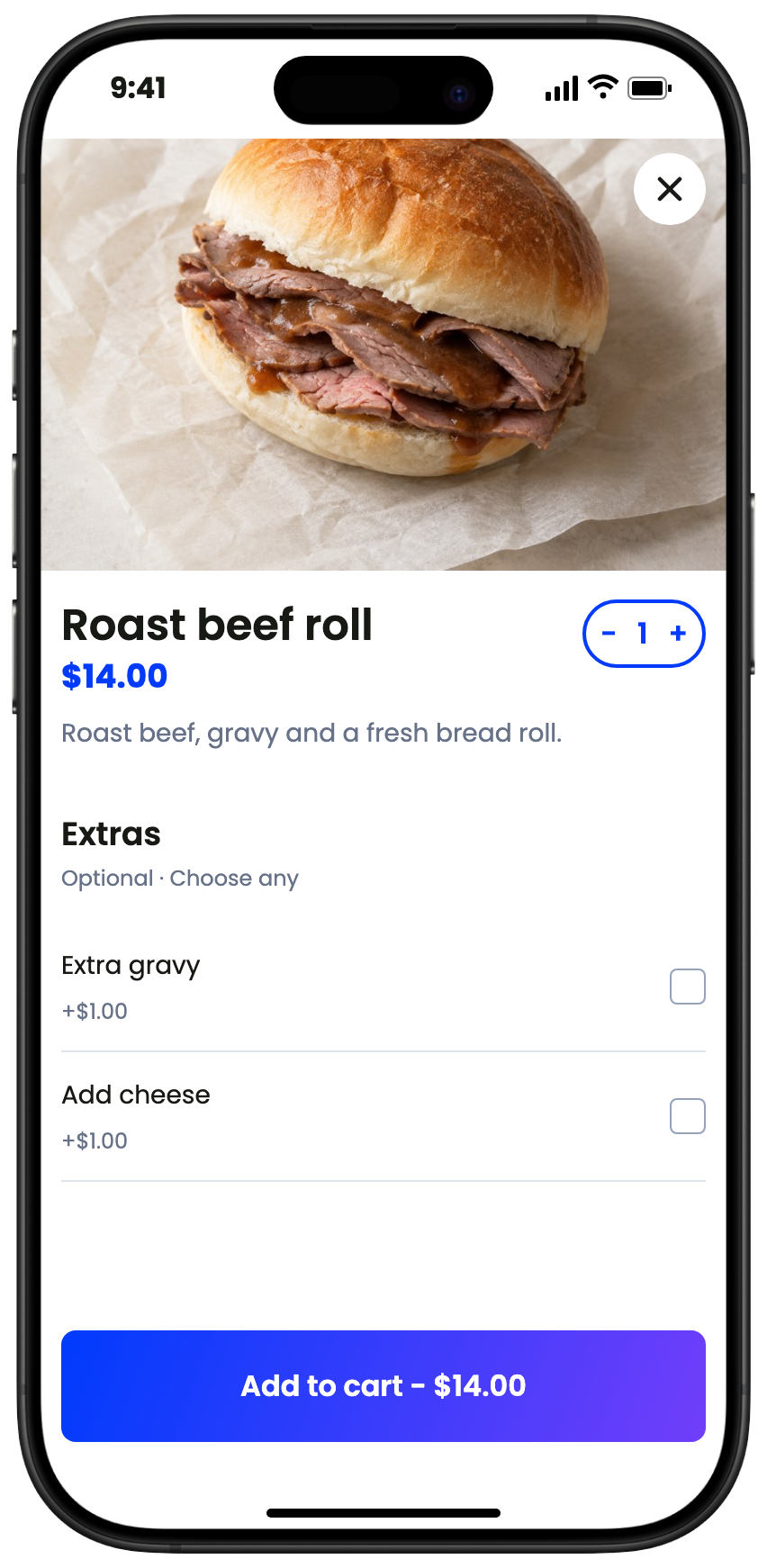
Whether they’re preordering a BBQ box or choosing a takeaway meal, customers can browse the full menu and add sides, drinks and extras before paying.
Let customers choose meats, portions and extras for a meal or a box to share before they pay.
Show sides, sauces and drinks alongside the main items, so customers can put together an order for themselves or a group.
For a future drop or their next takeaway order, customers can return to use a reward earned on eligible items. You choose the products, stamp target and reward.
Choose the eligible food and drinks. Each paid eligible item earns a stamp, so two in one order earn two stamps. Staff can also give stamps to customers who ordered in person.
Set the stamp target and reward, and give the card your own branding. Customers can use their reward on a later order. See how loyalty works
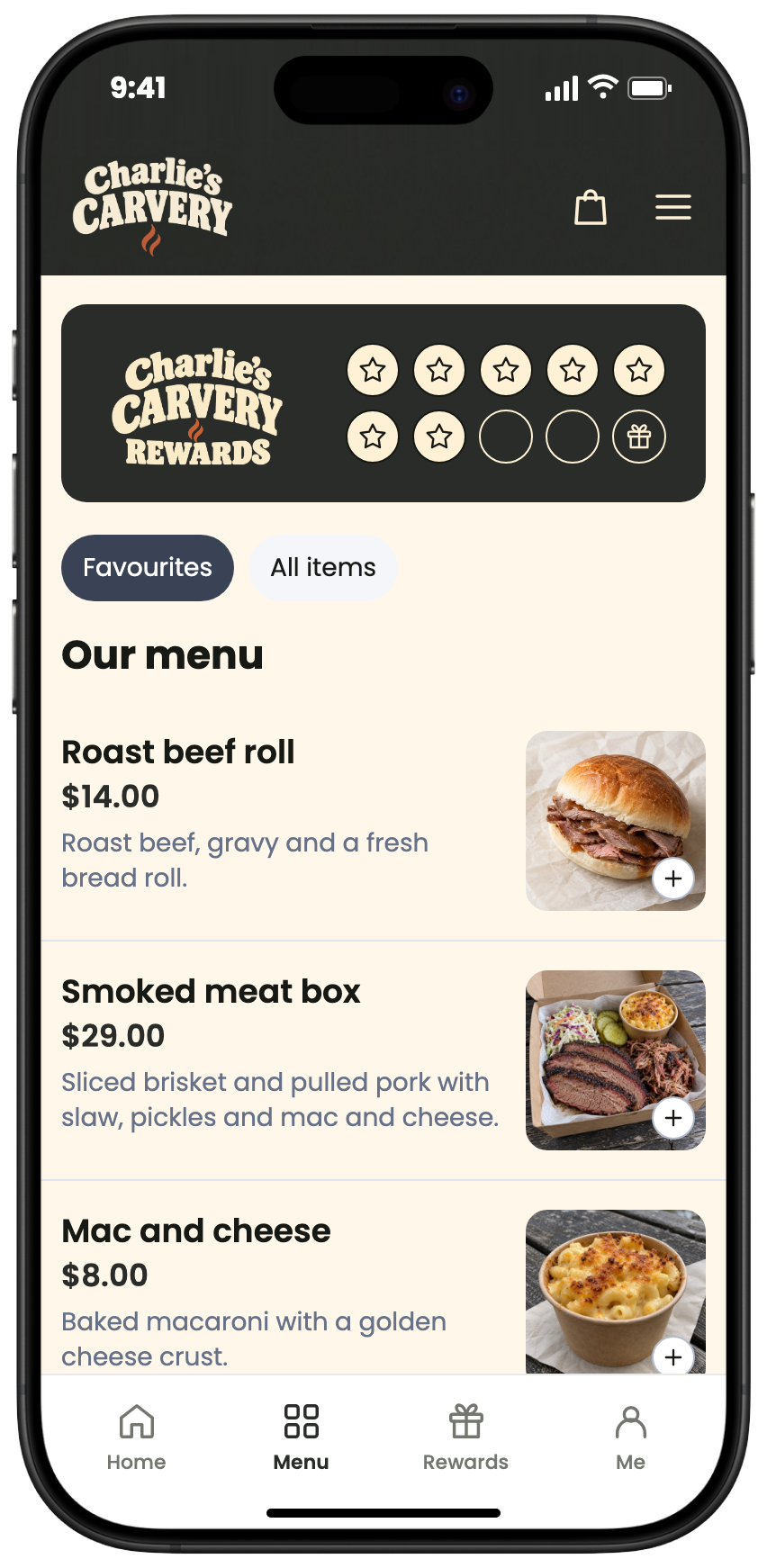
Charlie’s Carvery loyalty example: two paid roast beef roll items earn two stamps, then three more fill this illustrative five-stamp card. The later reward covers one $14.00 item, leaving $2.00 for extra sauce. A celebration announces the free roast beef roll, then the illustrated Use reward tap applies it on the later order. You choose your own eligible products, stamp target and reward.

Manage paid orders in Ywait Admin on the phone or tablet you already own.
See advance orders for drops alongside today’s pickups. Update stock or pause orders, and tap Ready to text customers for collection.
Print orders automatically with a compatible printer, or work from your screen.
Sync your menu and send Ywait orders to your Square POS and printer. Find out more
No contract, cancel any time.
$15/month
$49/month

It’s easy to get started. Add your menu, connect payments and start taking orders.
Free setup and ongoing Australian support are included on every plan.
Send us a message and one of our team members will get back to you ASAP.
Yes. Customers can preorder for a future collection day, with preorder cutoffs you can configure to suit your service.
Yes. Open preorders for your collection day and share the ordering link when you announce the drop. Paid orders show the quantities customers have chosen, helping you plan stock, portions and cooking before the day.
Yes. Customers can order and pay for ASAP pickup or choose a later time that day. Your team receives their choices and prepares the order for collection.
Yes. Track stock and mark items sold out as your available quantities change. You can pause ordering if the kitchen needs to catch up.
Yes. Build portion choices, sides and extras into your menu. Your team receives those selections with the paid order.
Yes. Mark the order ready when it is packed, and Ywait sends the customer a text to collect.
No. Use Ywait Admin on your phone or tablet. Square is optional, and a compatible printer can be added if you want dockets.
See POS and printer options